
Over half of UK households, including thermostats and speakers, are projected to use smart devices by 2027. Thanks to their energy efficiency, security, and convenience benefits, more Brits are turning to smart devices than ever before.
In this article, we’ll discuss the risks associated with smart devices and the best practices for safeguarding your family’s data.
Understanding the Risks of Smart Home Technology

While smart home devices offer unparalleled convenience and time-saving features, they are vulnerable to cyberattacks. Hackers can exploit their vulnerabilities to steal personal information, like when you turn on the heating, to learn when no one is home.
Many smart devices, especially speakers, can record your conversations without you realising. Cybercriminals can hack into these devices to spy on your family without your knowledge and potentially use private information for ransomware attacks.
Securing Your Network
Protecting your home Wi-Fi network should be the first layer of defence against cybercrime. Start by changing your default network username and password to a stronger, random alternative to make it harder for criminals to connect.
Enable encryption to scramble the data transmitted over your network, making it unreadable to eavesdroppers. Set your router to WPA2 or WPA3, and save the changes. You should also connect your smart devices to a VPN to stop them from transmitting vulnerable data.
Managing Access and Credentials Safely
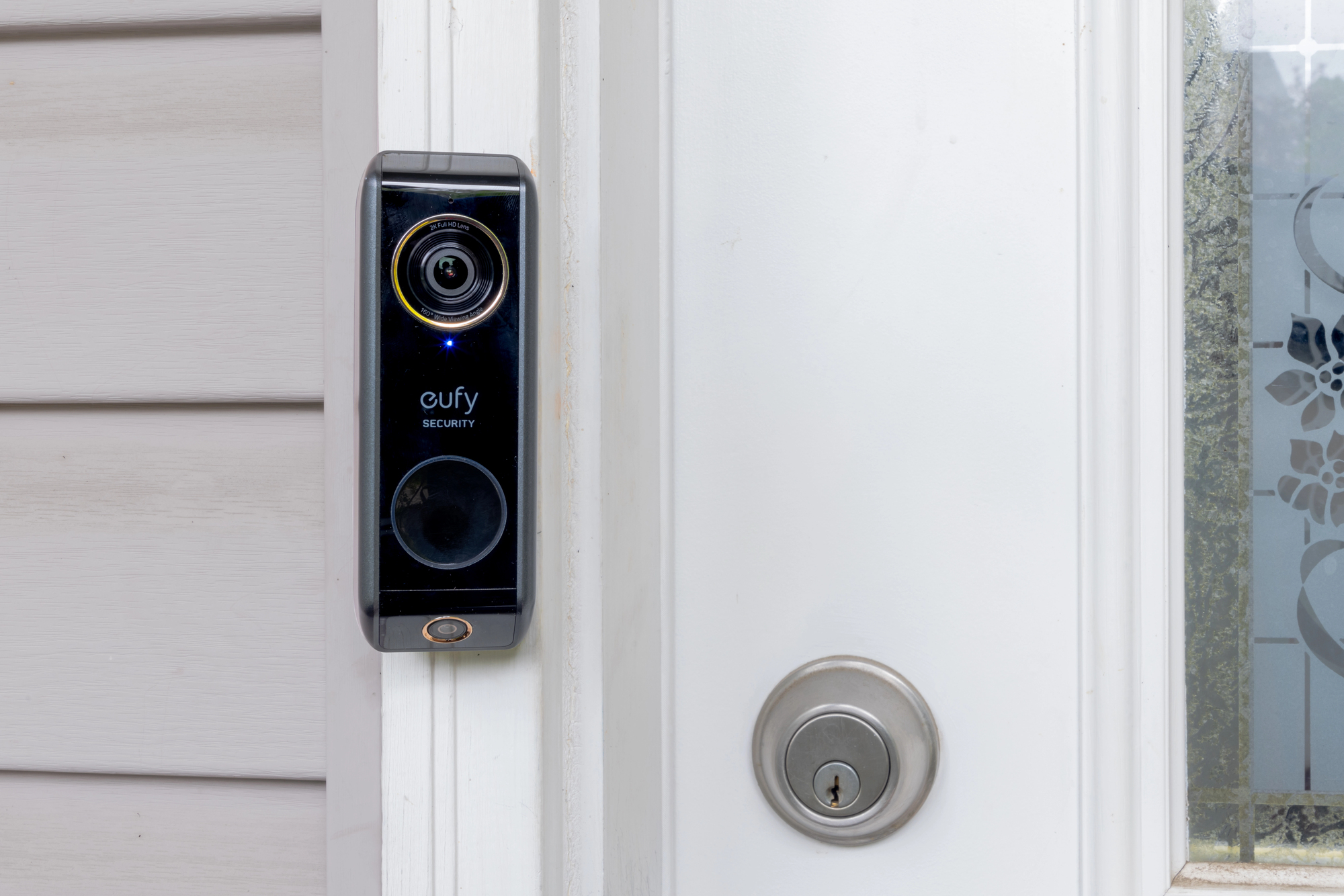
Each smart device should have strong, unique passwords consisting of at least 16 upper- and lowercase letters, symbols, and numbers. Weak, easily guessable passwords leave your devices at risk of breach from brute-force attacks. If multiple devices share the same password, they can all be compromised if one is hacked.
Password managers will store your complex login details in centralised software accessible by a master password or PIN. There, you’ll be able to check that different passwords protect all your devices and remove duplicates before they put your home at risk. Use two-factor authentication, where possible, to add another layer of verification required to log into your smart devices. Even if hackers have your login details, they’ll lack the second factor, whether it’s a code texted to your phone or an authenticator app.
Device Security Best Practices and Updates
When looking for a new device, check reviews of the product and the manufacturer to ensure that it’s a reputable brand that prioritises cybersecurity. You don’t need to buy the most expensive model on the market, but you shouldn’t get older models unsupported by their manufacturers. Older, unsupported devices are easier to hack due to their lack of software updates.
Switch on device settings that automatically install updates that patch bugs and vulnerabilities, and install manual updates when prompted. Turn off unused features like voice control because fewer active features reduce the number of potential entry points for hackers. Limit admin access to authorised users only, like you and your partner.

